SLS Support for HBL
Find out how to get SLS and MIMS account support during Home-Based Learning, including helpline details and how to reset your password.
Parent Kit - Supporting your child during Full HBL (opens in new tab)
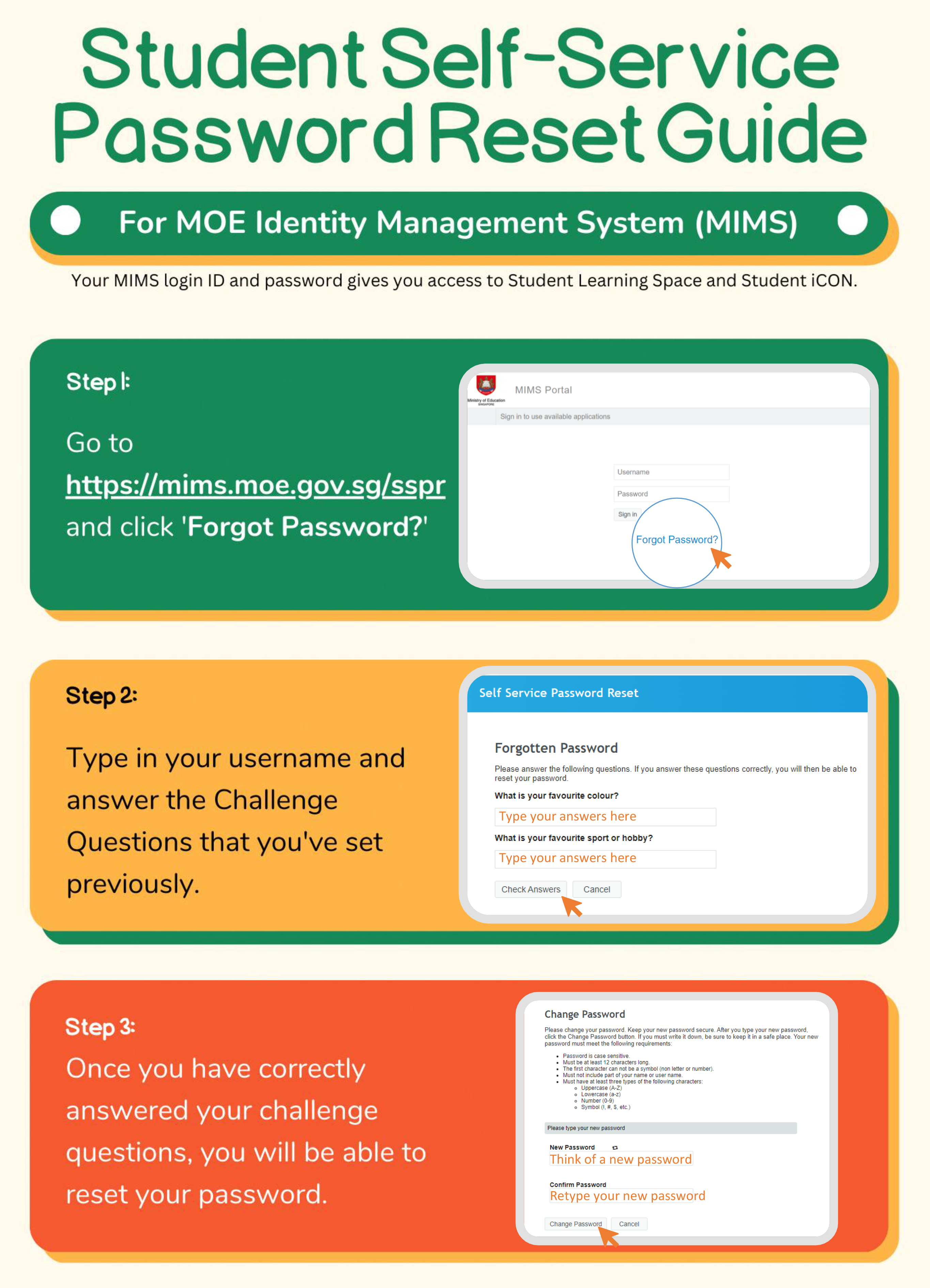
With effect from 20 July 2023, students will be able to perform a password reset on their own with the Student Self-Service Password Reset function in the MOE Identity Management System (MIMS) Portal.
Students is required to perform a one-time set up of answers to challenge questions in their MIMS Portal to enable student self-service password reset when required.
Please refer to this file to set up the answers to your challenge questions in the MIMS Portal.
Setup your challenge questions (opens in new tab)
Student can visit https://mims.moe.gov.sg/sspr to reset their MIMS account password.
School Operating Hours
During school operating hours, students should contact the School-based Helpline for MIMS / SLS / Google Classroom queries including all SLS / iCON account / Google Classroom access* matters such as password reset and unlocking of accounts, as well as queries about lesson assignments.
School-based Helpline: https://go.gov.sg/kcacctshelpline (opens in new tab)
Mondays - Fridays: 8:00 am - 4:00 pm
Student Learning Space - https://vle.learning.moe.edu.sg/login (opens in new tab)
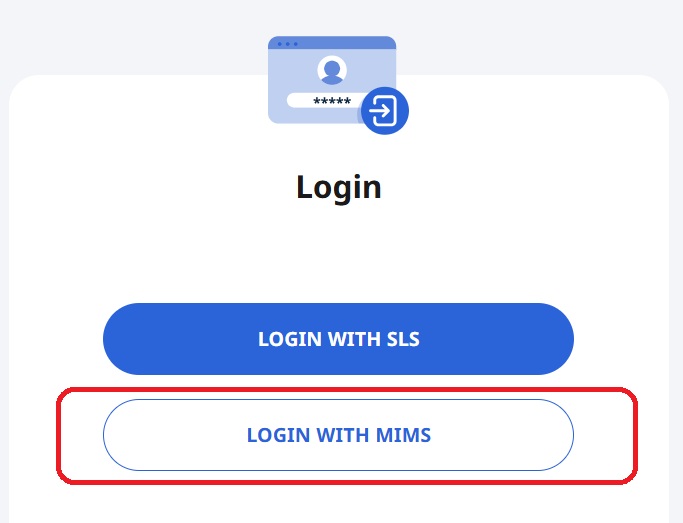
* With effect on 01 Dec 2022, students should use the their MIMS account ID and password to login to SLS.
Non-School Operating Hours
Outside the school operating hours, students should contact the SLS Helpdesk for support.
Call SLS Helpdesk at 6702 6513
Mondays - Fridays: 4:00 pm - 9:00 pm
Saturdays: 9:00 am - 3:00 pm
*Closed on Sundays & Public Holidays
Email SLS Helpdesk at helpdesk@sls.ufinity.com
When emailing the SLS Helpdesk, students should include their full name, name of school and form class.